Whoa. Instagram
can wait.

Whoala keeps the apps you choose closed until you turn a key: a tag on the wall, a code in the pantry, a time of day, or the Wi-Fi you're on. Think of it as a friend who hides the snacks.


Coming soon to Android. iPhone after that.
See it work.
Thirty seconds: pick the apps, stick a key on the fridge, meet Whoala.
Our lead actor sleeps 20 hours a day. Filming is taking a while.
Four kinds of key.
Pick what fits your life.
No $50 gadget to buy. A sticker, a barcode, the clock or your Wi-Fi does the job, and every key opens its own set of apps.
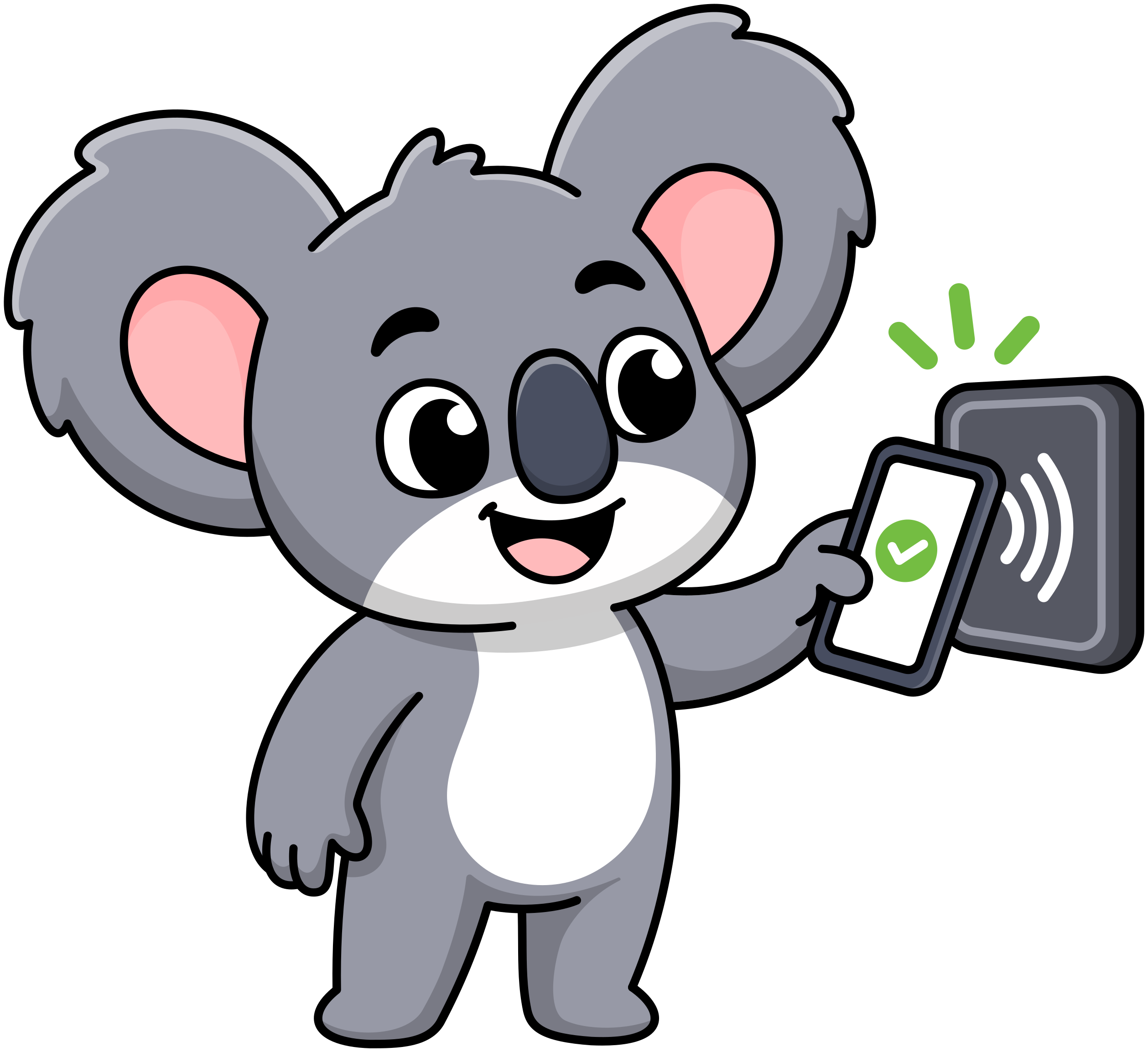 NFC
NFCTap a tag
A cheap sticker, the transit card in your pocket, any NFC tag you own. Hold your phone against it, done.
Tap the fridge tag to unlock Instagram for 15 minutes
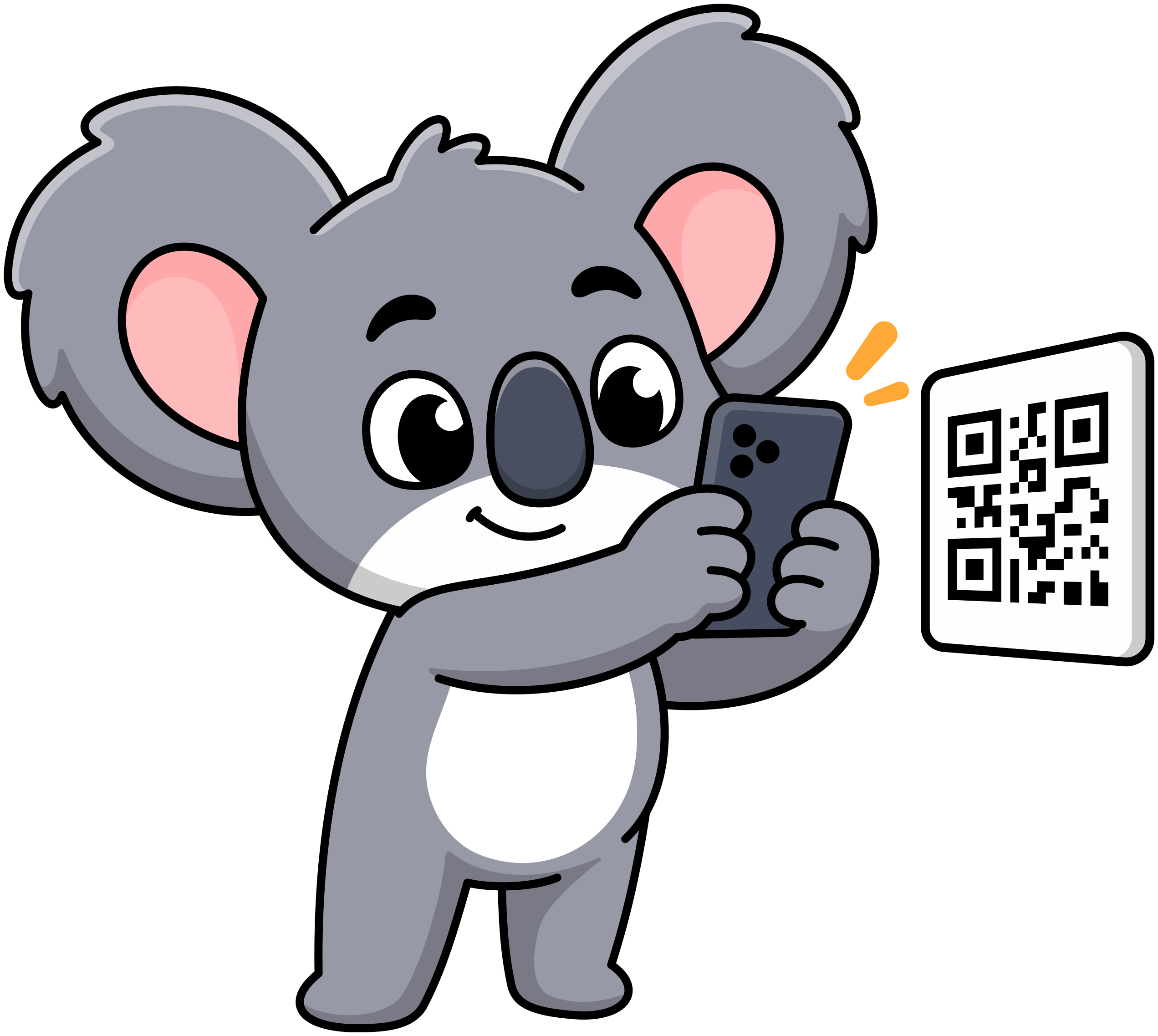 Scan
ScanScan a code
Any barcode or QR code works, even the one on a soda can. Or let Whoala print a QR code you tape to the wall.
Scan the oat milk barcode to unlock YouTube for 30 minutes
 Time
TimeWait for the hour
No walking needed. Apps open on a schedule you set: a scroll window at 9pm, email during office hours.
Unlocks your social apps from 9 to 10pm
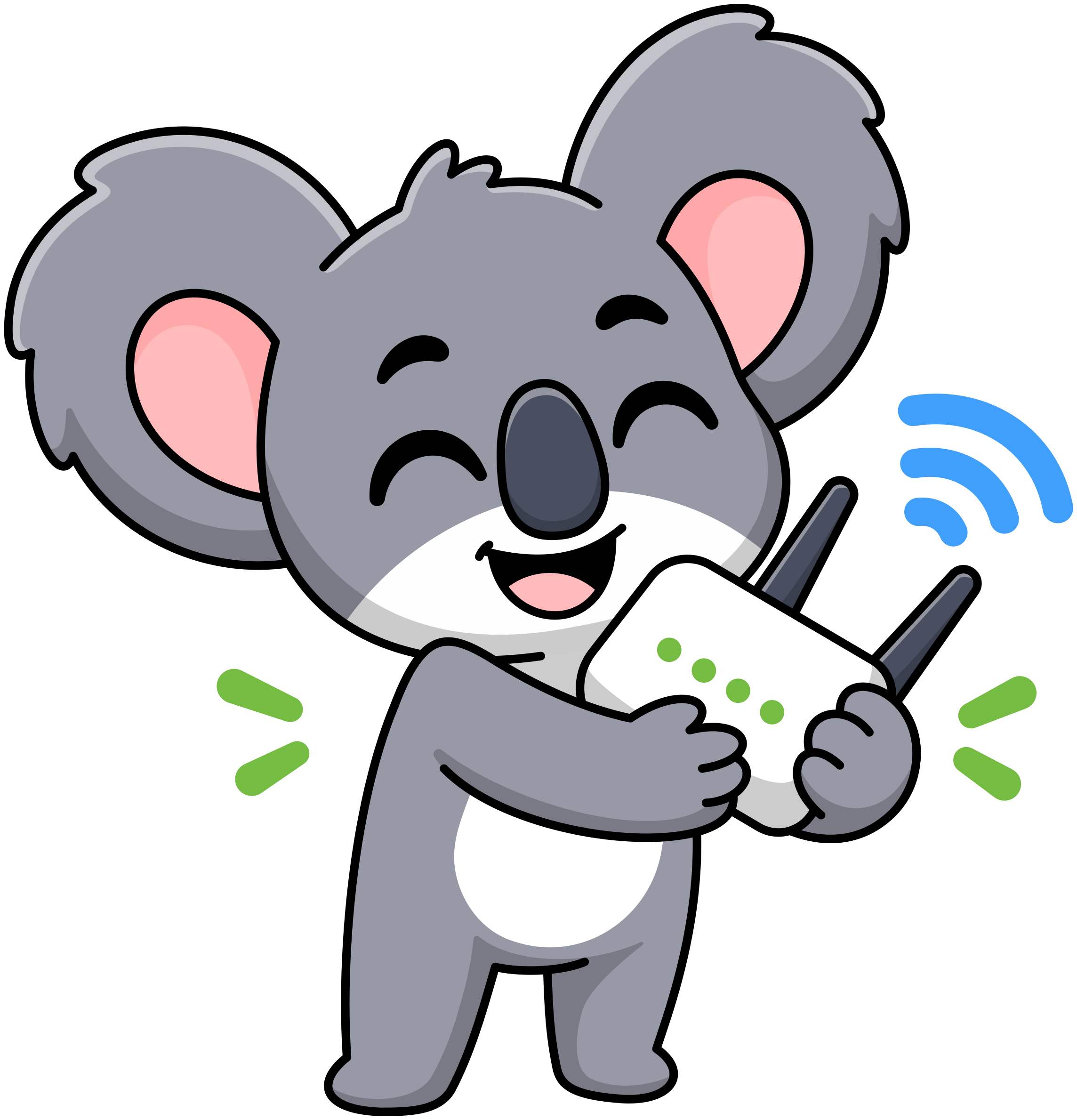 Wi-Fi
Wi-FiBe on the right Wi-Fi
A network is the key: pick the apps that unlock when you're at the office, closed again the moment you leave.
Keeps your work apps locked unless you're at the office
Three setups people
actually keep.
Mix keys freely. Up to three are free, and three is usually plenty.
The evening scroll
Social lives in one hour a day. The rest of the time it isn't a decision. It's just closed.
- TikTok
The desk
Work apps work at work. Walk out of the building and Slack goes quiet on its own.
- Slack
- Gmail
The fridge
Want to watch something? Tap the fridge first. Most of the time, you'll find you don't.
- YouTube
- Twitch
Seal your keys.
Make it stick.
Sealed keys still open your apps, but nothing about them can change. Breaking the seal takes three minutes, which is usually long enough to change your mind.
- Keys still unlock
- No deleting a key
- Three minutes to unseal
Free.
Pro if you want more.
No subscription, no account, no upsell emails. One price, paid once.
Free
$0forever
- Up to three keys, mixed however you like
- All four kinds of key
- Block as many apps as you like
- No account, nothing leaves your phone
Pro
$14.99once
- Everything in Free
- Unlimited keys
- One payment, no subscription
Whoala never
phones home.
Android's Accessibility Service tells it which app is on screen, so it knows when to step in. It also keeps a daily total of time in your blocked apps. Never what's inside them. Everything stays on your phone, where it belongs.
- No account
- No server
- No analytics
Fair questions
What does it cost?
Nothing. Up to three keys of any kind, mixed however you like. Want more? That's Pro: $14.99, paid once, yours forever. No subscription, no account, no upsell emails.
Does it block all my apps?
Only the ones you tell it to. Your camera, maps and messages work like they always did. Whoala minds its own list.
What if I just delete the app?
Go ahead. Whoala is friction, not a cage. But deleting, reinstalling and logging back in takes just long enough for you to ask: do I actually want this scroll? Usually, no.
What stops me from just deleting a key?
Nothing, so you're never stuck. To stop yourself from doing it on impulse, seal your keys: they still work, but you can't delete or change them until you wait out a three-minute timer.
Which phones does it work on?
Android, for now. Setup takes about two minutes.
When's the iPhone version coming?
As soon as we can. We're working hard on it, but there's no date to promise yet.
Do I need to buy anything?
Not even a sticker. Time keys and Wi-Fi keys need nothing at all. Scan keys work with any barcode or QR code, even one on a soda can, or a QR code Whoala prints for you. For tap-to-open, a cheap NFC sticker or your transit card will do.
Can different keys unlock different apps?
Yes, and that's the fun part. Give the office Wi-Fi your work apps. Give the 9pm time key your social apps. Work stays locked in the evening, Instagram stays locked at your desk.
Do I have to walk to the tag every single time?
No. One tap or scan unlocks your apps for as long as you choose, from 5 minutes to an hour. Then they lock again on their own. Time keys and Wi-Fi keys need no walk at all.
What if I lose the tag?
Delete that key and make a new one from another tag, card or code. Tags are cheap, and a barcode is free.
Does Whoala see what I do?
Only which app is on screen, so it knows when to step in, and a daily total of time in your blocked apps. Never what's inside them. No account, no server, no analytics. It all stays on your phone, where it belongs.
Whoa.
Your apps can wait.
Free for three keys. Two minutes to set up.
Coming soon to Android. iPhone after that.